Download Code::Cubes
Click the button below to download Code::Cubes. Follow the steps below to extract the files and start using the IDE.
Installation Guide:
After downloading, follow these steps:
Step 1: Download Code::Cubes
Click the download button above to get the CodeCubes.7z file.

Step 2: Extract the Folder
Once the 7z file is downloaded, extract it to a folder on your computer. You can right-click the 7z file and select "Extract All..." to begin the process.
Enjoy using Code::Cubes!
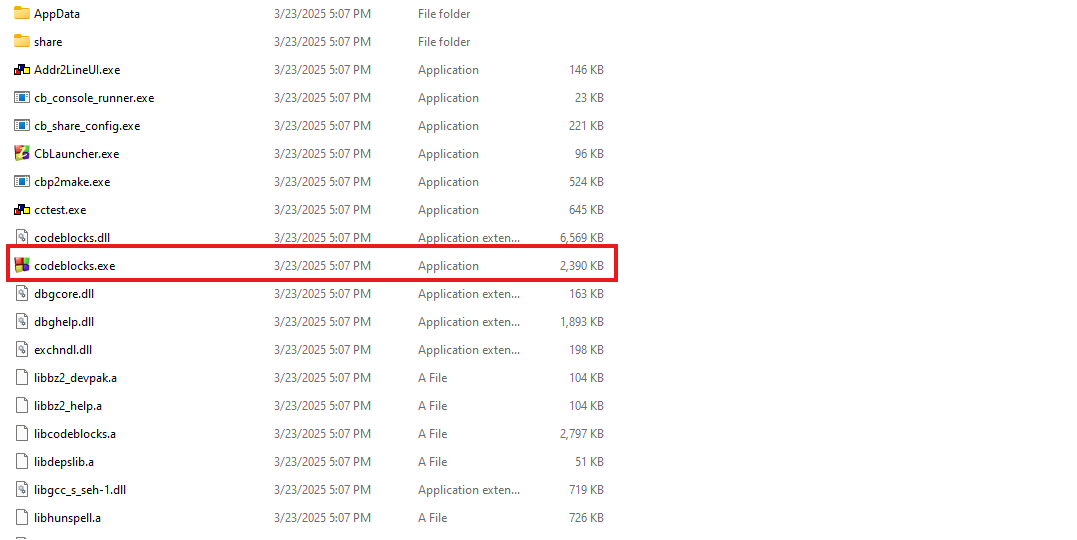
Step 3: Run the .exe file
Once the 7z is extracted run the .exe file to run Code::Cubes
Enjoy using Code::Cubes!